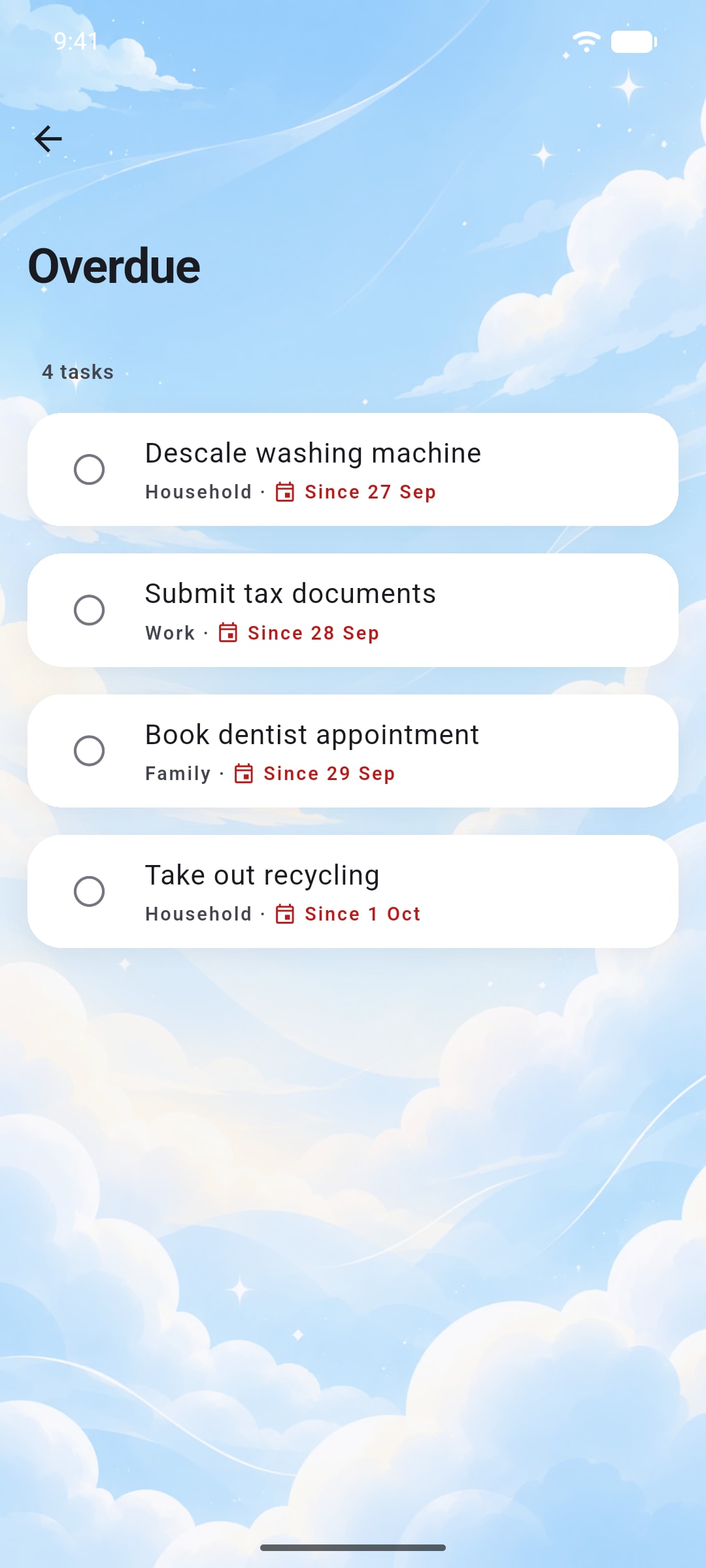
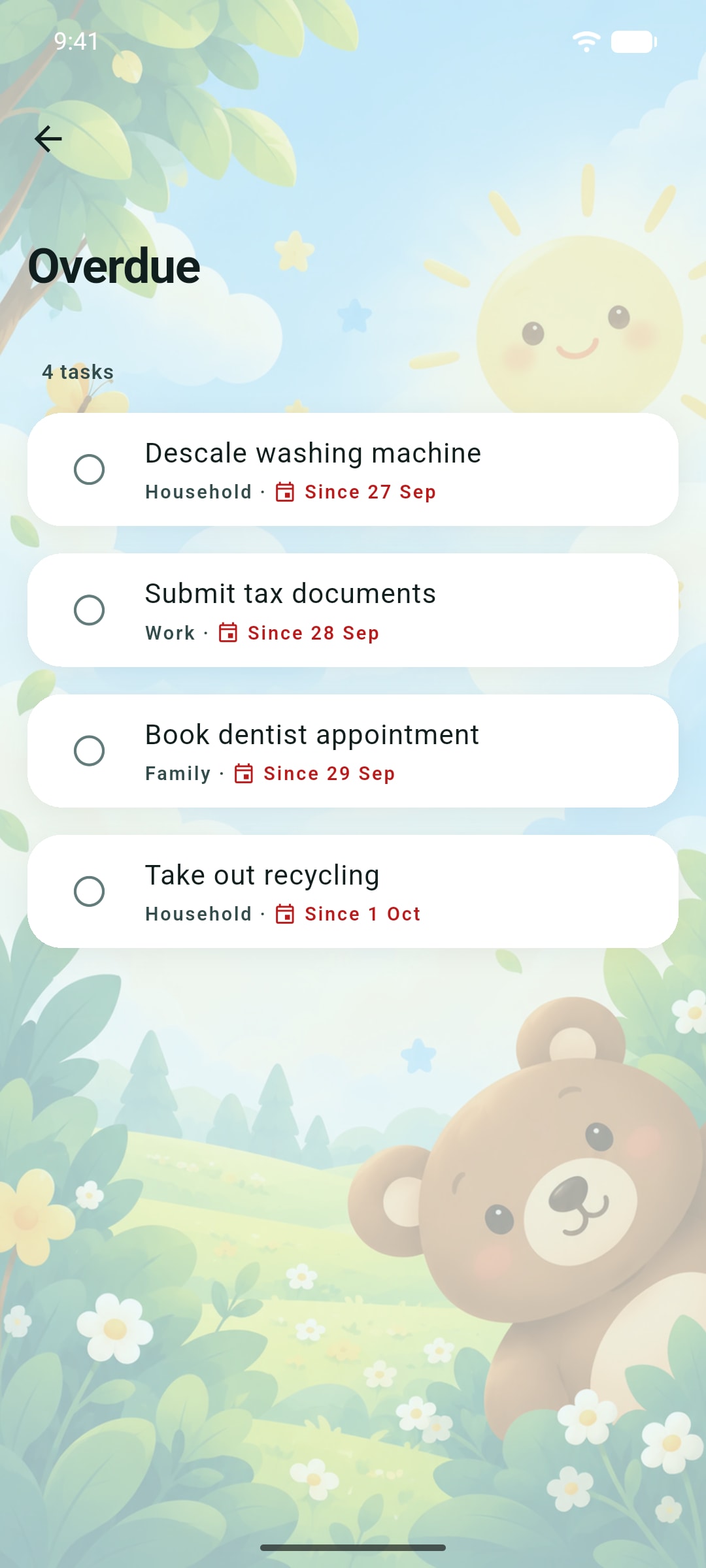
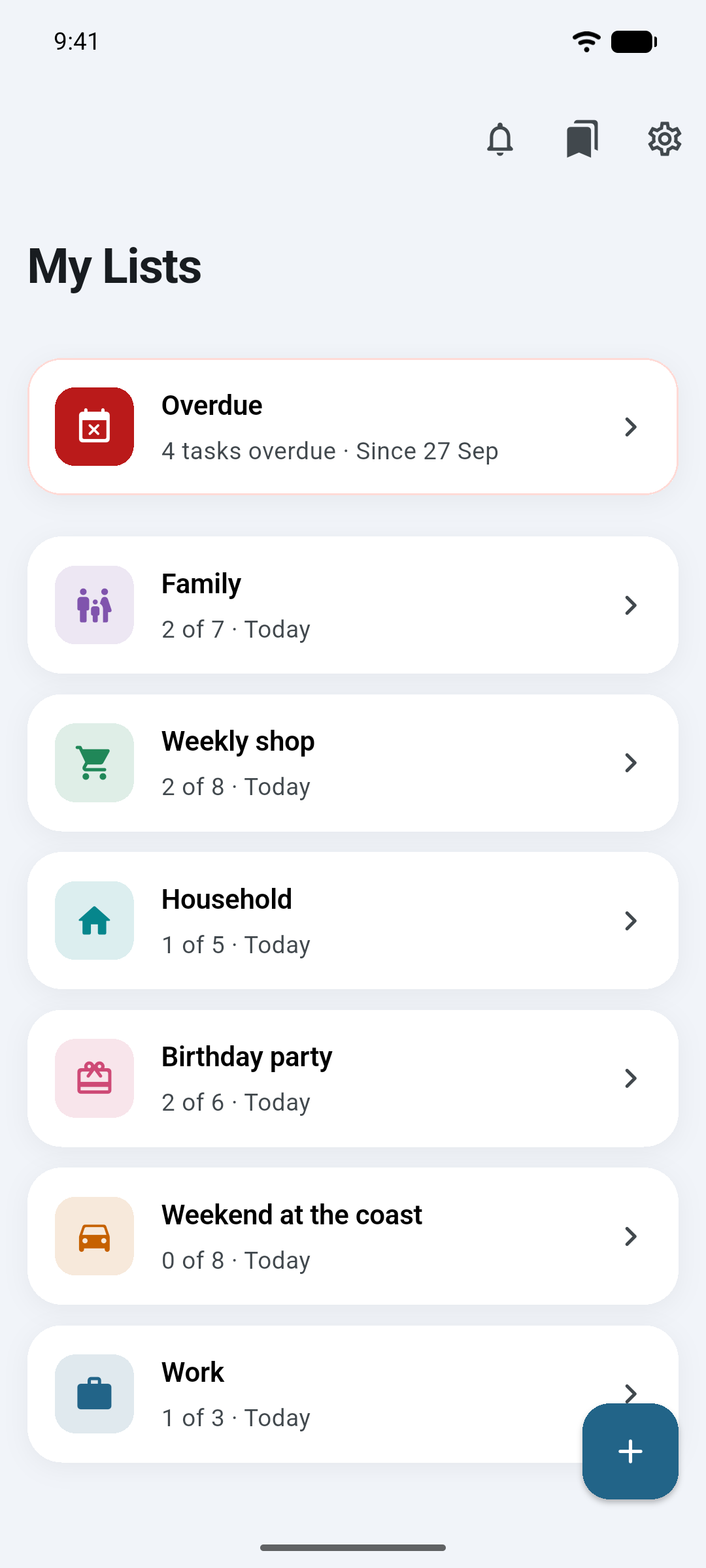
Overdue
Overdue, all in one place
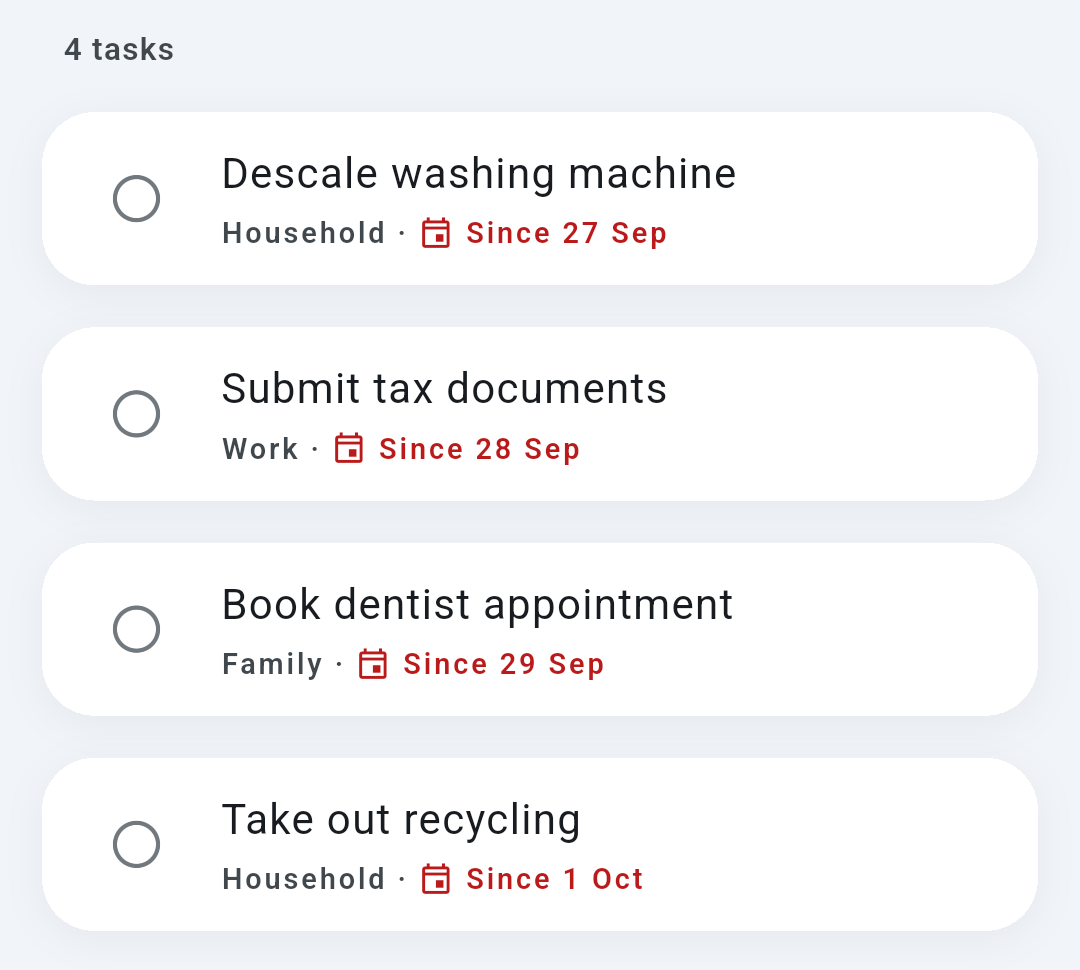
Tasks that slipped are collected from every list, so they get picked up.
Ready is the shared to-do list for everyday life. Write it down once, and it is in one place that everyone can see.
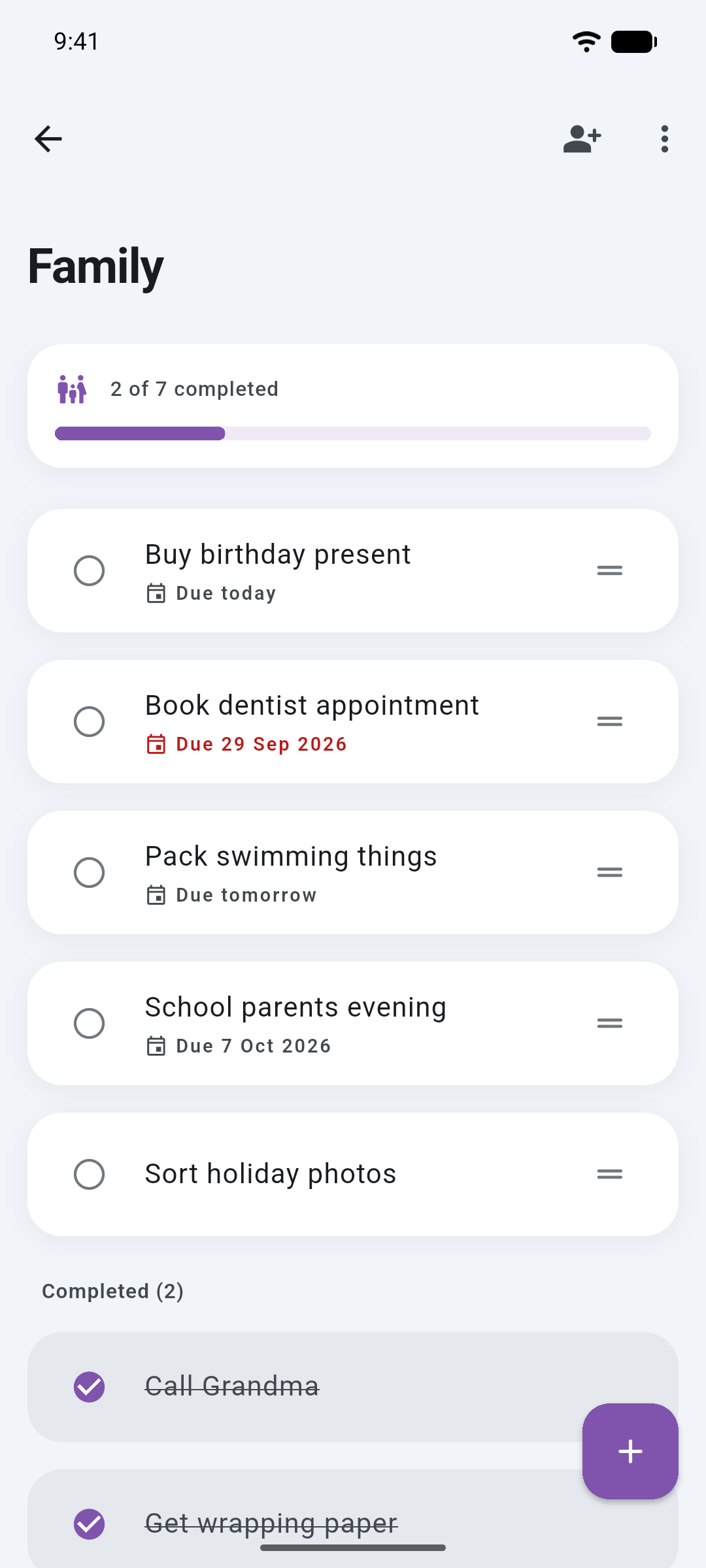
The tasks are small. Carrying all of them in one head is not. Notes, chats and memory were never meant to run a household.
“Who was getting the birthday present?”
“Did anyone book the dentist?”
“I thought you packed the swimming things.”
Put everything on one list, from the shopping list to the household to-dos, and share it with everyone in your household. What one of you adds or ticks off shows up for everyone.
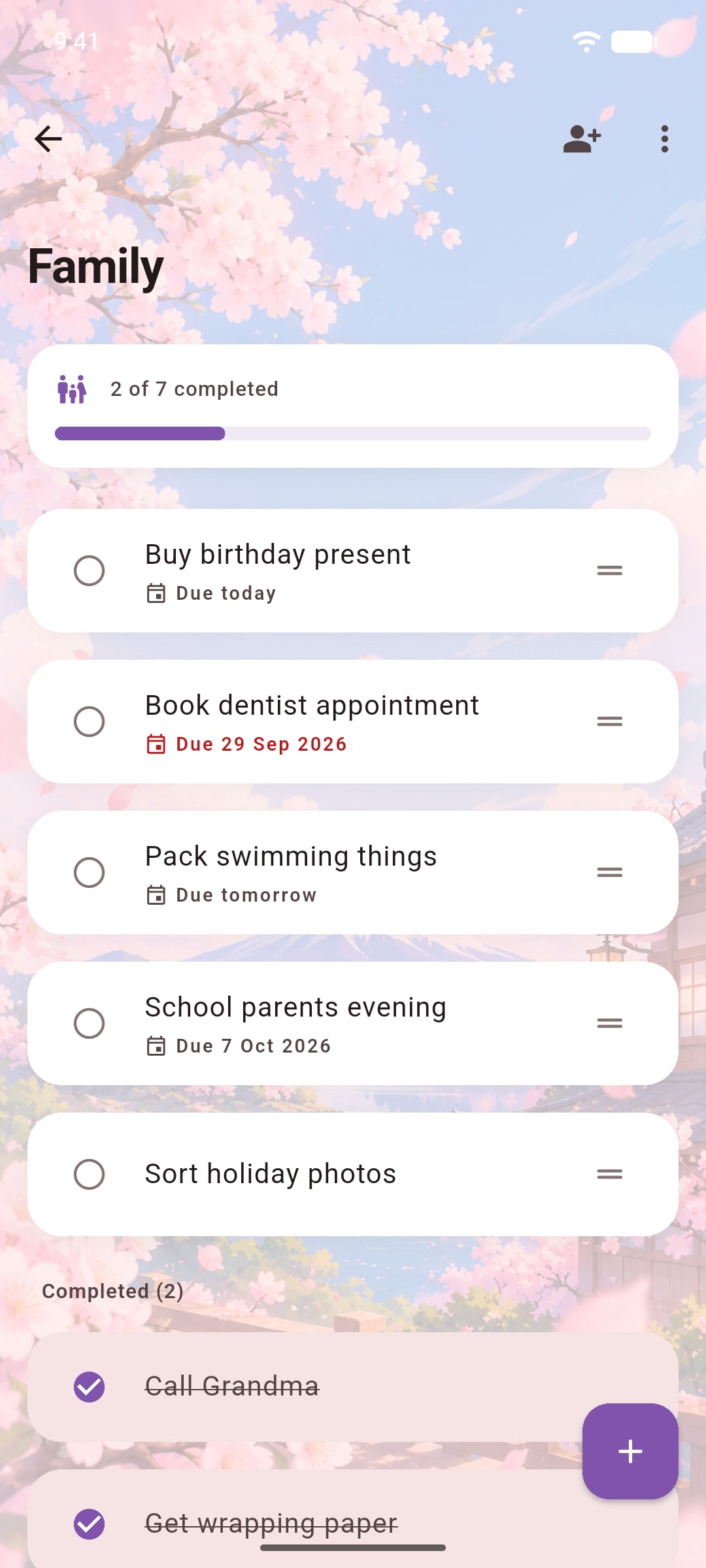
People you invite can edit the list on all their devices.
Get notified when someone else updates a list you share.
When the list is shared, what is open, what is urgent and what is done stops being a matter of memory.
Drag tasks into the order that matters. Everyone sees the same order.
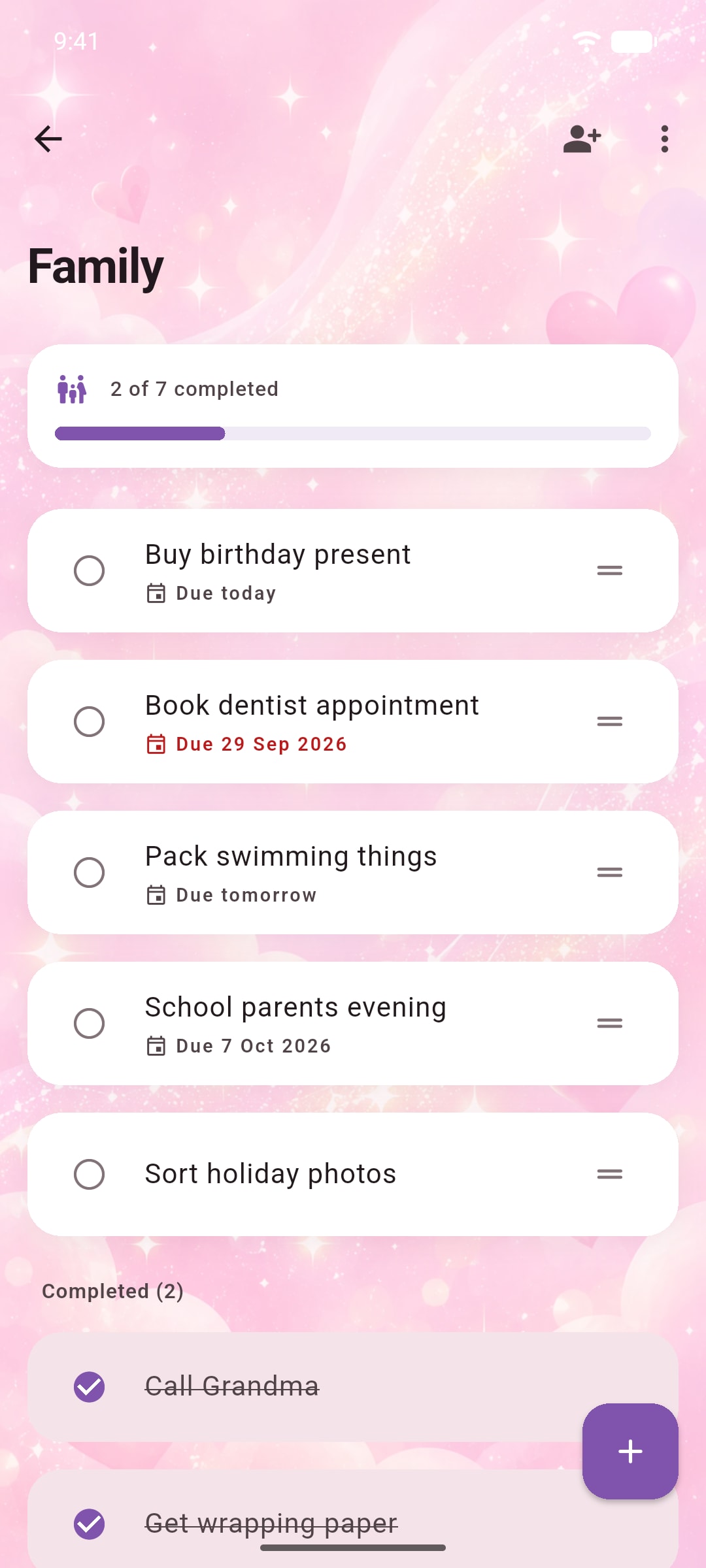
Every list shows what is done and what is still open.
Tasks that slipped are collected from every list, so they get picked up.
Some lists come back every time: the packing list for your holiday, the birthday party, the weekly shop.
A new list can begin empty, or already filled with everything you packed last time.
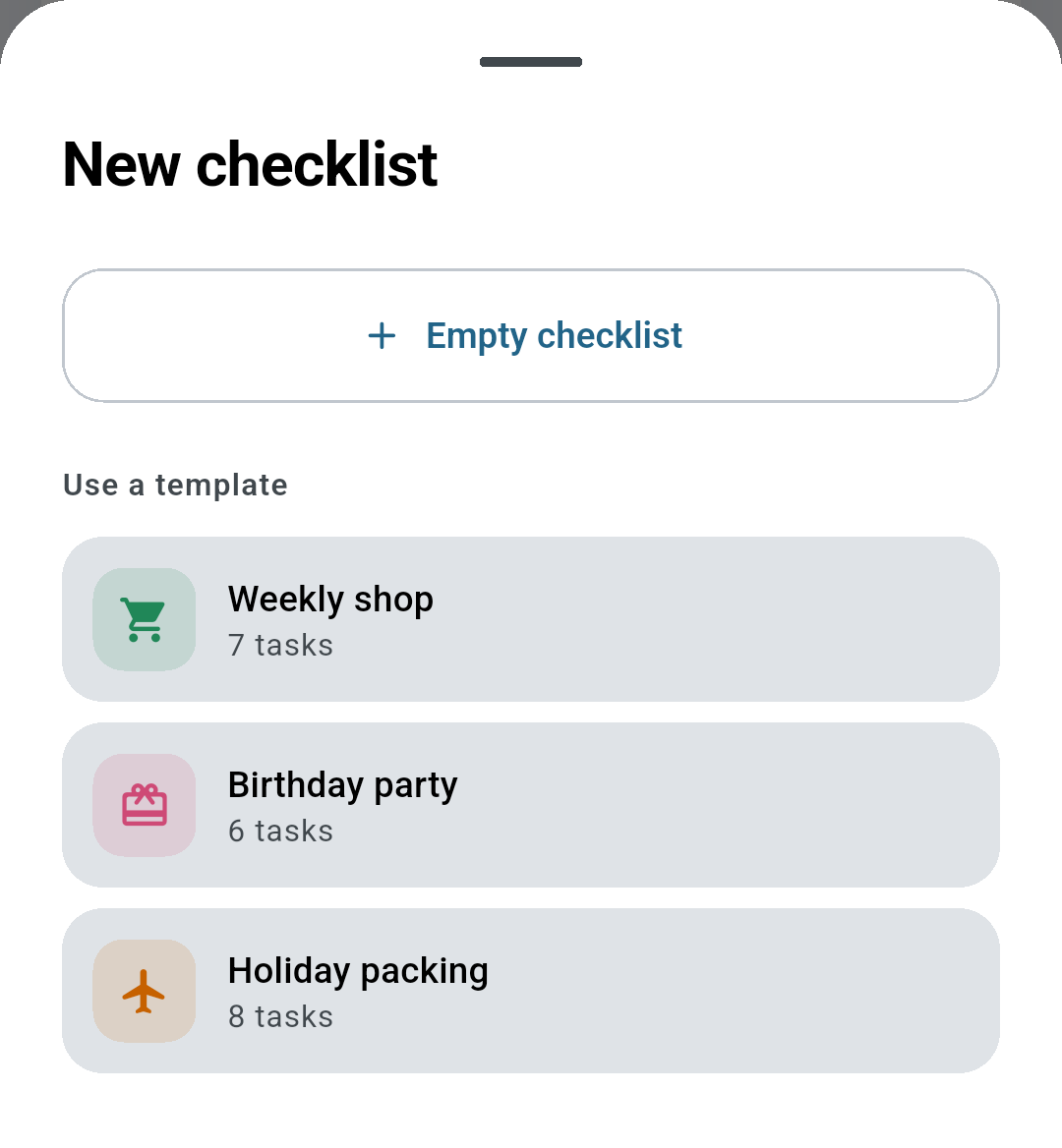
Your templates, with your tasks, for the lists you write again and again.
Write it once.Use it over and over.
Nothing to rewrite, and nothing forgotten at home.
Give a task a due date. Ready keeps track of it and reminds you when it’s due.
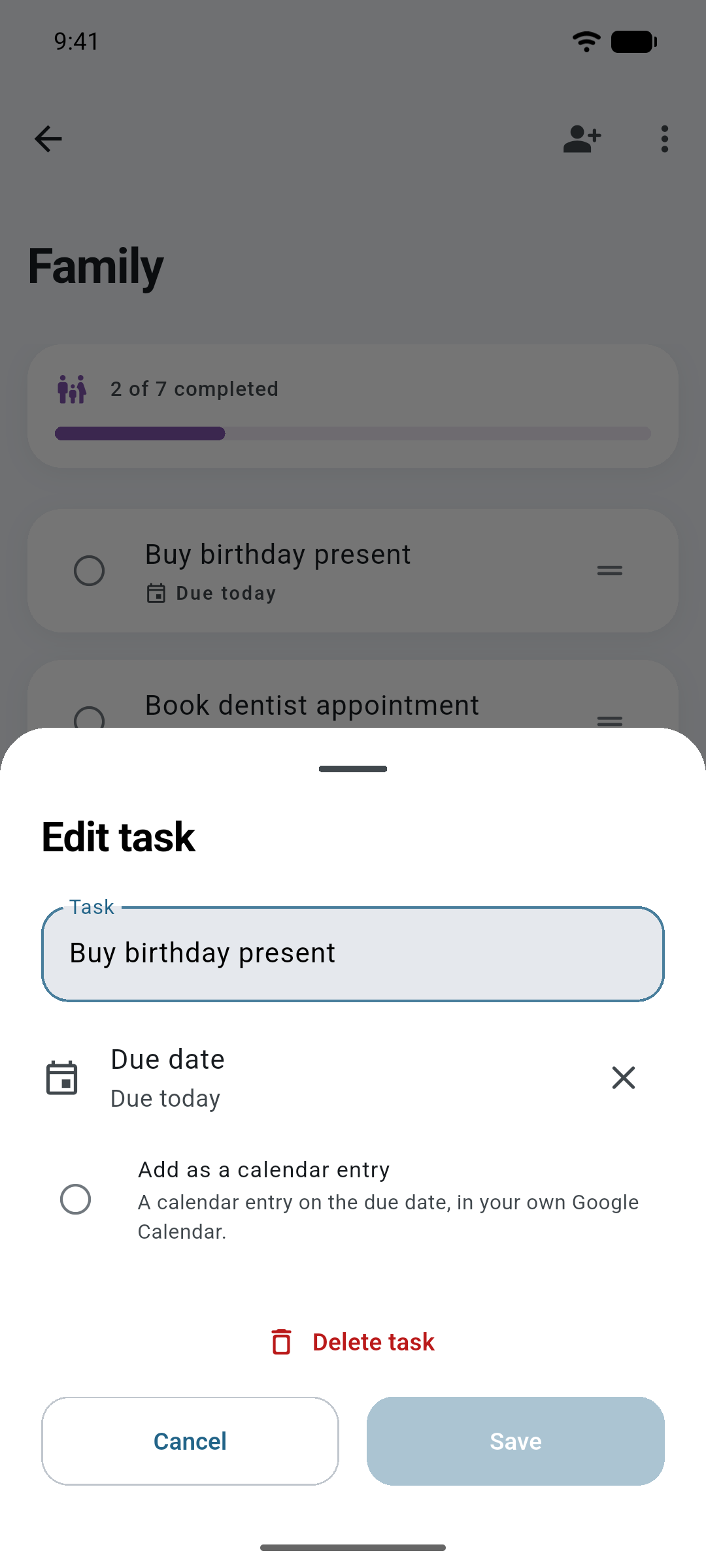
Set one when you add or edit a task.
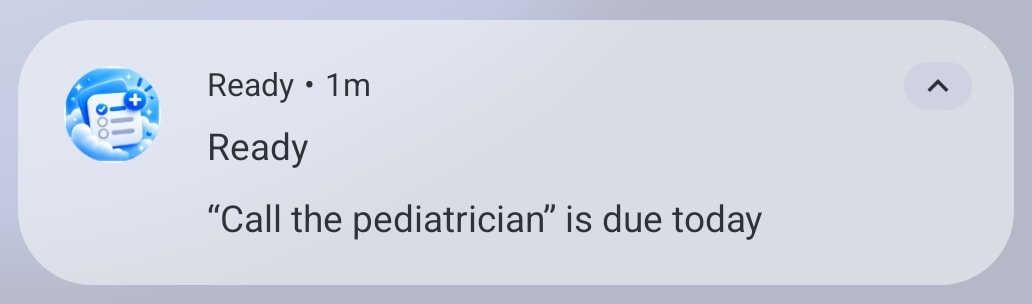
A nudge when a task is due, and once a day while it is overdue.
Google Calendar. Add selected tasks to your own calendar on their due date. Ready never reads the events in your calendar.
No setup and no account needed to start. Ready works offline, and comes in six themes so it feels like yours.
Overdue
Tasks that slipped are collected from every list, so they get picked up.
Your Ready. Your style.
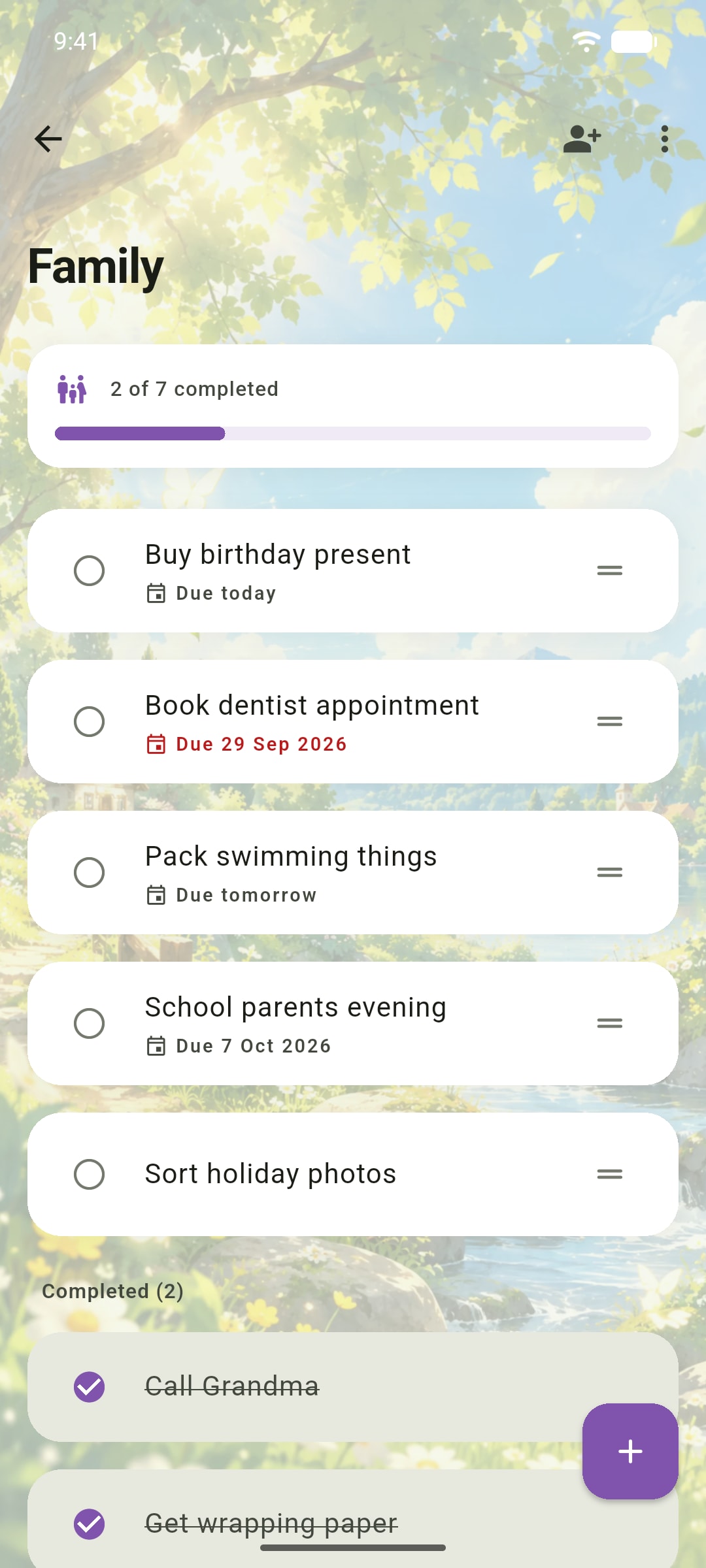
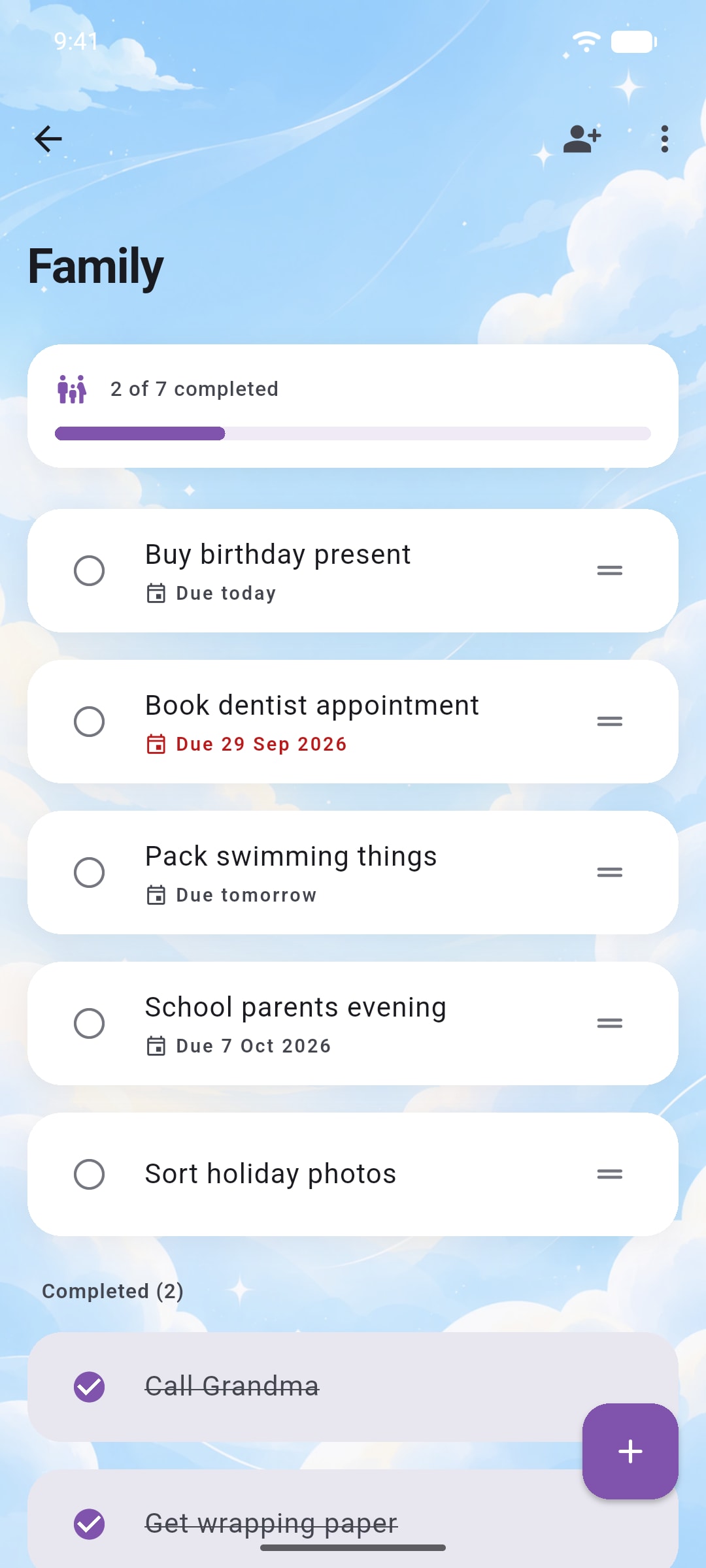
Pick the theme that suits you, from clean and simple to bright and playful.
Your everyday. Your way to use Ready.
Organize shared tasks using natural language or Alexa. Less typing, less to remember, more getting done.
Coming Soon · In Development
You: We’re going to Paris for five days next week. What do we need to pack?

Ready AI: My suggestion: a list called “Paris packing list” with 12 items, including passport, charger and T-shirts. Shall I create it?
You: Yes, create it.
Ready AI: Created “Paris packing list”.
You: Add sunscreen and a city map to the Paris packing list.
Ready AI: Added 2 items to “Paris packing list”.
 Ready AI
Ready shows you a suggestion first. Nothing is created until you confirm.
You: Alexa, open Ready Go.
Alexa: What would you like to do with your lists?
You: What’s on my shopping list?
Alexa: Your shopping list has milk, bread and apples.
You: Add toilet paper to the shopping list.
Alexa: Toilet paper is now on your shopping list.
ReadyThe Alexa skill will start in German. The conversation is shown in translation.
Illustrative demo. Ready AI and the Alexa skill are in development and not yet available in the app.
Yes, Ready is free to use and has no ads. Your own lists, templates and reminders cost nothing, and neither do backup and sync with an account. Inviting people to a list needs Ready Pro, an optional subscription.
Yes. Your lists are stored on your phone and can be opened and edited offline, shared ones too. With an account, your changes sync as soon as you are back online.
Yes. Shared lists run through the app: the person you invite needs Ready on an Android phone and signs in with Google, using the email address the invitation went to. Accepting an invitation is free.
Not yet. Ready is currently available for Android only, on Google Play.
Without an account, your lists stay on your phone only. With an account, they are also stored with our database provider Supabase in its Frankfurt (EU) region, for backup, sync and shared lists. Some services, such as the one that sends invitation emails, also process data outside the EU. More in the privacy policy
They get an email with a link. They only see the list once they accept the invitation in Ready, and can then view or edit it, depending on the role you give them. An invitation is valid for 14 days, and you can stop sharing at any time.
Ready Pro is an optional monthly or yearly subscription for your account. With it you can share lists and templates with others. You take it out in the app through Google Play, which shows you the price and term before you buy, and you cancel it in Google Play.
Your lists are only visible to you and the people you invite. No advertising, no tracking, nothing sold.